

1 free creation, like a video, podcast or flashcards
Videos and podcasts up to 2 min
Upload 1 file, up to 8 MB
Try chat and quizzes on it
AI for universities that has done the reading.Your syllabus, your lectures, your lab’s papers.
Upload the readings, slides and lecture recordings. Students, faculty and labs get cited answers, narrated lectures, podcasts and practice exams built from them.
Used by 250,000+ learners, researchers, and educators

Same reading list. Three very different weeks. Here is what each person does with it.
If you are studying
Forty pages of Mill by Thursday
Turn the reading into a podcast for the walk in, or a narrated lecture if you would rather see it. Both come from the pages you were assigned.
An exam on nine weeks of slides
Practice with hints, then sit a timed exam built from the slides, and see why each answer is right.
A lecturer who outruns your typing
Record from your microphone or upload the audio. You get a transcript and notes, with an exam focus section pulled out.
If you teach
The revision lecture you never had time to record
Upload your slides, set a length up to 45 minutes on a paid plan, and get a narrated lecture with chapters and captions.
Quiz questions for Monday’s seminar
Draft them from the week’s reading, steer them with your own instructions, and on a paid plan print them with or without answers.
A cohort with twelve first languages
Make the same lecture again in another language for one credit. Narration, captions and on-screen text are rewritten, not just subtitled.
If you run a lab or a department
A field you need to catch up on
Attach your papers, ask for a literature review, and get a cited report with a reference list in APA, MLA, Chicago or Harvard.
Your turn at journal club
Turn the paper into a deck of 5 to 30 slides, with its real figures and speaker notes.
The TA handbook nobody opens
Turn it into a short video with questions built in. On a team plan, see who watched it and how they answered.
Your course, not the internet’s idea of it. Every answer comes with its page.
A general chatbot sounds just as sure about your lecturer’s exam as it does about anything else. Scholarly answers from your course material. Hover a citation to read the passage, click to open the page. One the chat cannot trace to a source or page it can see is removed before the answer is saved.
On Liberty.pdfPage 13
Chapter I: Introductory
That the only purpose for which power can be rightfully exercised over any member of a civilised community, against his will, is to prevent harm to others. His own good, either physical or moral, is not a sufficient warrant. He cannot rightfully be compelled to do or forbear because it will be better for him to do so, because it will make him happier, because, in the opinions of others, to do so would be wise, or even right. These are good reasons for remonstrating with him, or reasoning with him, or persuading him, or entreating him, but not for compelling him, or visiting him with any evil in case he do otherwise.
Can the state stop someone doing something that only harms themselves?
Not by force, on Mill’s account. The only ground for compulsion is harm to others, and a person’s own good “is not a sufficient warrant.” p. 13 You may reason with them or persuade them, but not compel them. p. 13
He limits this straight away: it applies to people “in the maturity of their faculties,” not to children, and, more contentiously, not to societies he calls “backward.” p. 14
Self-regarding conduct can also stop being self-regarding. No one should be punished simply for being drunk, “but a soldier or a policeman should be punished for being drunk on duty.” p. 75
1 sourceSample
Hand-built from the 2001 Batoche Books edition of On Liberty. The quotations and page numbers are real.
A lecture nobody had to stand up and give. This one is real. Press play.
Narrated and chaptered, with captions, a transcript and questions along the way. Share a link, embed the player in Canvas or Moodle, or on a paid plan download the MP4 and captions for your own platform.
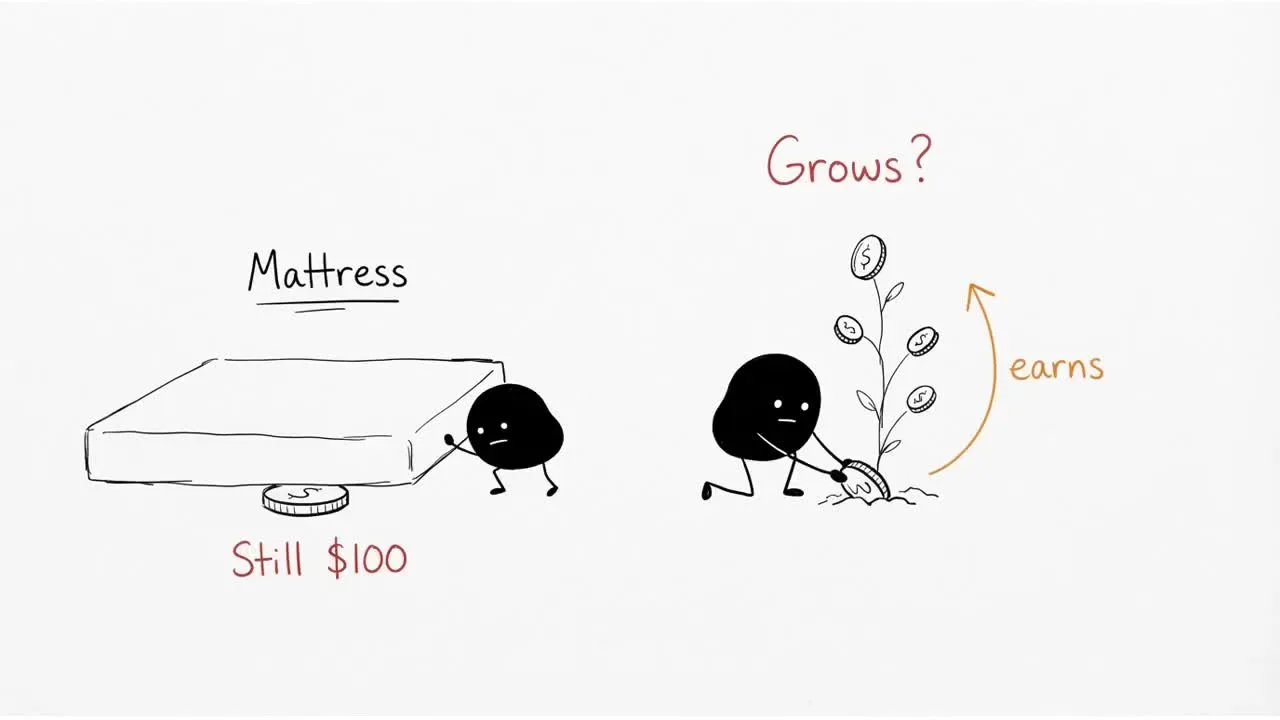
Fig. 1A Doodles lecture on how interest works.
Three steps, and the first is the reading list. The rest is ours.
1Upload the material
PDFs, Word files, slides, recordings, YouTube links or files from Google Drive. One creation can draw on up to 10 sources on Premium and 20 on Laureate.
2Ask it, or make something from it
Ask across it for cited answers. Or pick a lecture, podcast, deck, practice exam, flashcards or Summary, then set the pages, length and language.
3Check it, then pass it on
Read the transcript or the citations against the source. Then send a link, embed the lecture, or download it on a paid plan.
One student, one account. One lab, one bill. A campus needs a conversation.
One person
A student, a lecturer or a postdoc. Premium is $30 a month or $180 a year, with 15 AI Creation Credits a week. Laureate is $99 a month, with 80 credits.
Sign up for freeA lab, a TA group or a program
Scholarly Teams, 1 to 29 seats, set up yourself. Premium for Teams is $35 per seat a month or $336 a year. Laureate for Teams is $110 per seat a month or $1,056 a year.
Start a teamA department or a campus
More than 29 seats, an invoice, or a procurement review. Tell us how many seats you need and what your review requires.
Talk to usA 300-student course does not need 300 seats.
A seat is for people who create, and for anyone you want named in a progress report. A lecture embedded on your course page plays for anyone who can see that page.
What a team adds
- A shared library, so a lab or cohort works from the same readings
- Owner, Admin and Member roles, with invites by email or link
- A report on each lecture shared with the team: who opened it, how far they watched, how they answered
- Activity per member over 7 or 30 days, with titles and prompts kept private
- One bill
Ready for your IT office. Private by default, with admin controls.
Not trained on your material
Private content is not used to train general-purpose AI models. Any optional training program needs its own opt-in.
Admins choose the models
On Teams, Owners and Admins set model access by model or by tier, and can turn on a Zero Data Retention rule for the whole team.
Works beside your LMS
Embed a lecture as a player on a Canvas or Moodle page, or on a paid plan download the MP4 with .vtt and .srt captions for any platform.
Running a procurement review? Tell us your seat count and what the review requires, and we will answer it.
Send us your security questionnaireWhat faculty, students and IT ask first.
How is this different from a general AI chatbot?
General assistants can read an upload too, and they are good at a great many other jobs. Scholarly is built around your sources. Chat citations point to the page and are checked against what the conversation can see. Scans, tables, figures and equations are read from the page image. And the same material becomes narrated lectures, podcasts, decks and practice exams. Treat any AI answer as something to check. Scholarly makes the checking one click.
Our campus already has ChatGPT Edu or Gemini. Why add this?
ChatGPT Edu and Gemini for Education are strong campus-wide assistants: they connect to your campus sign-in, and Gemini comes with Google Workspace for Education. Scholarly does a narrower job in more depth. It turns a course’s own readings, slides and recordings into narrated lectures up to 45 minutes, podcasts up to an hour, decks, flashcards and practice exams with graded written answers, with every chat answer pointing to its page. Most campuses add it for a course, a lab or one person, beside the assistant they already have.
Is Scholarly an AI learning platform or an LMS?
A learning platform in the sense that it makes and explains the material. Your LMS stays where enrollment and grades live. Most people use Scholarly beside Canvas, Moodle or Blackboard, and put the lectures, decks and quizzes it makes on the course page.
What will our IT review need to know?
People sign in with email or Google and join a team by invite or link. SAML single sign-on and LTI are not available today, so lectures reach your LMS as an embedded player or as an MP4 with captions. Scholarly operates from the US. If your review needs single sign-on, specific hosting or a data-processing agreement, talk to us with your seat count and we will tell you what we can provide.
Can I put my whole department or lab on one plan?
Yes, on Scholarly Teams. Choose 1 to 29 seats yourself and pick Premium or Laureate for Teams. Each member gets that plan, with shared libraries, roles, activity reporting and one bill, and inviting people starts with a paid team plan. Anyone can try Scholarly on their own account first. For more than 29 seats or an invoice, talk to us.
Do all my students need a paid seat?
No. A lecture embedded on your course page plays for anyone who can see that page, as long as its link is open to anyone who has it and has no password, so only the people who make things need seats. The embedded player plays the video; the shared link adds the transcript and in-video questions. To name students in a progress report, add them as team members.
Will students use it to cheat?
Some might, as with any AI tool, and your course’s rules on AI still apply. Scholarly is a study tool, not a proctor or an AI detector. What it makes easy is working from the source: answers that point to the page, and practice that shows a student what they have not yet understood.
Does it reinforce understanding or just memorization?
Both, and the student chooses. Flashcards are for recall. Quizzes and exams mix multiple choice, true or false, fill in the blank and short answer questions, with written answers graded by AI and an explanation of why an answer is right. Answer keys are checked against the source, which catches most problems, and a student can challenge one.
Can I record lectures and seminars?
Yes, through your microphone or by uploading MP3, M4A, WAV, WebM, OGG or MP4. The transcript and notes use no credit. Free includes one recording up to 60 minutes; Premium 20 a week and Laureate 100 a week, up to 10 hours each. Get whatever permission your university requires before you record people.
Does it work for students reading in a second language?
Yes. Answers follow the language of the question and quotations keep the original. Lectures, podcasts and other creations can come out in over 70 languages, whatever language the source is in, and Arabic and Hebrew lectures are laid out right to left.
What AI models do Teams get?
Premium for Teams includes Premium models; Laureate for Teams adds the Frontier models by name. Admins choose which included tiers members can use, and a stronger personal plan still wins.
Is our material private?
Uploads are private to your account unless you share them, and private content is not used to train general-purpose AI models. On a team, what a member shares goes to the team library, and activity reports keep titles and prompts private. Deleting content starts its removal from our systems, though backups can take time to expire. Keep grades and other student records out unless your institution has reviewed Scholarly and signed any data-processing agreement it needs.
Read the privacy policyIs there a university or student discount?
Pricing is the same for everyone, students included, and you can start free. A free account, with no credit card, includes one upload (8 MB, the first 32 PDF pages), one AI Creation Credit and 100 chat messages. These are lifetime limits, enough to test it on one real reading. After that, yearly billing is the cheaper route: Premium is $180 a year, which is $15 a month, and yearly Teams seats save 20%. For more than 29 seats, talk to us.
Where to go next. A tool for each job.
Try it on one real reading. Buying for a lab? Switch to Business.
Pricing shown in USD by default. Local currency may be available in app or at checkout.