Best Flashcard Generators From YouTube (November 2026)
Six tools that turn a YouTube link into flashcards, with what each vendor's own pages said on November 24, 2026 about free limits, review and export, and what we could not verify.

The best flashcard generator from a YouTube video depends on what you do after the cards exist. If the budget is zero, Gemini Notebook (the new name for NotebookLM) is free with a Google account and makes flashcards from a YouTube source, and Gizmo's free plan allows two Magic Imports a day with spaced repetition. If the cards need to end up in Anki, Limbiks lists Anki sync on its free plan. Scholarly is the one we make: it builds an editable deck from the video and keeps the video, its transcript and the deck together, with a free plan of one AI Creation Credit in total, which normally covers one generated deck.
The limits and prices below were read on each vendor's own pages on November 24, 2026. Some pages would not load, and the table says where a number could not be verified.
YouTube to flashcards: six tools compared
| Tool | Free allowance, as the vendor states it | How you review | Export |
|---|---|---|---|
| Gemini Notebook | Free with a Google account: 100 notebooks, 50 sources each. Its help pages give no flashcard quota | "Got it" and "Missed it" marks, then retake the missed cards | CSV |
| Gizmo | 2 Magic Imports a day, 20 minutes apart | Spaced repetition | PDF, through Print |
| Knowt | 1 AI summary a month on the free student plan | Learn mode and spaced repetition, both free | |
| Limbiks | 10 uploads or generations a month | Spaced repetition | Sync to Anki |
| StudyFetch | Could not be verified: its pricing pages did not load | Again, Hard, Good, Easy ratings | Not stated |
| Scholarly | 1 upload and 1 AI Creation Credit in total, which normally covers one generated deck. Flipping cards is unlimited; practice allows 5 answers and 1 completed exam | Spaced repetition (SM-2), practice questions, timed exam | PDF and Anki, on a paid plan |
1. Gemini Notebook: best free option for many videos
Best for: making cards from a lot of videos without paying.
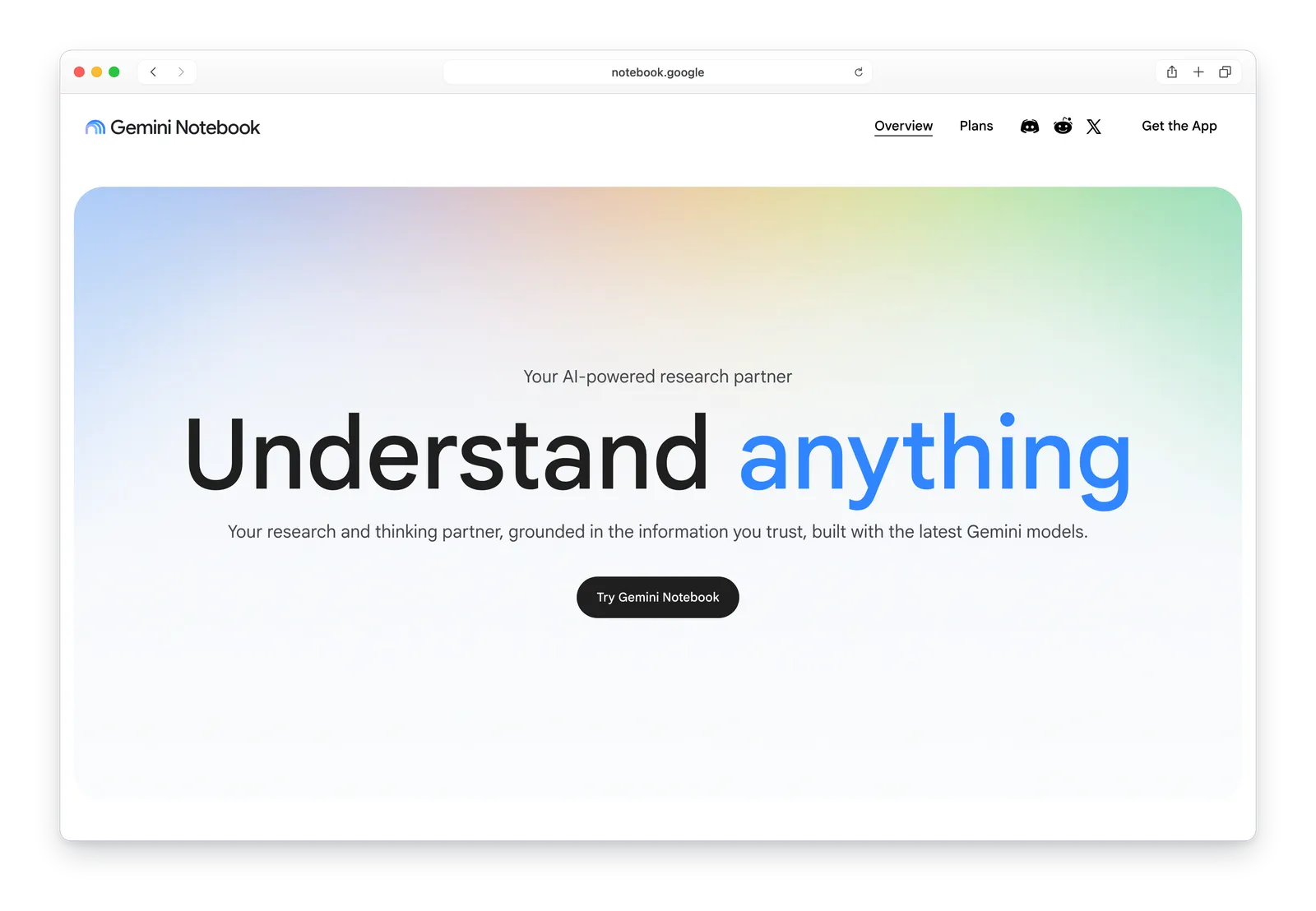
Google renamed NotebookLM to Gemini Notebook in 2026. You add a public YouTube URL as a source, then choose Flashcards in the Studio panel. Google's help page gives three conditions worth knowing before you paste a link: the video must be public and have captions (uploaded or auto-generated), only the text transcript is imported, and videos uploaded less than 72 hours ago may not be available.
Gemini Notebook's public page. The product was called NotebookLM until 2026.
The catch: the review its help page describes is a pass through the deck. You mark each card "Got it" or "Missed it" and can retake the ones you missed; the page describes no schedule that brings a card back next week. Cards download as a CSV file, which Anki can import if you want one.
2. Gizmo: best free spaced repetition from a link
Best for: free daily review with a schedule.
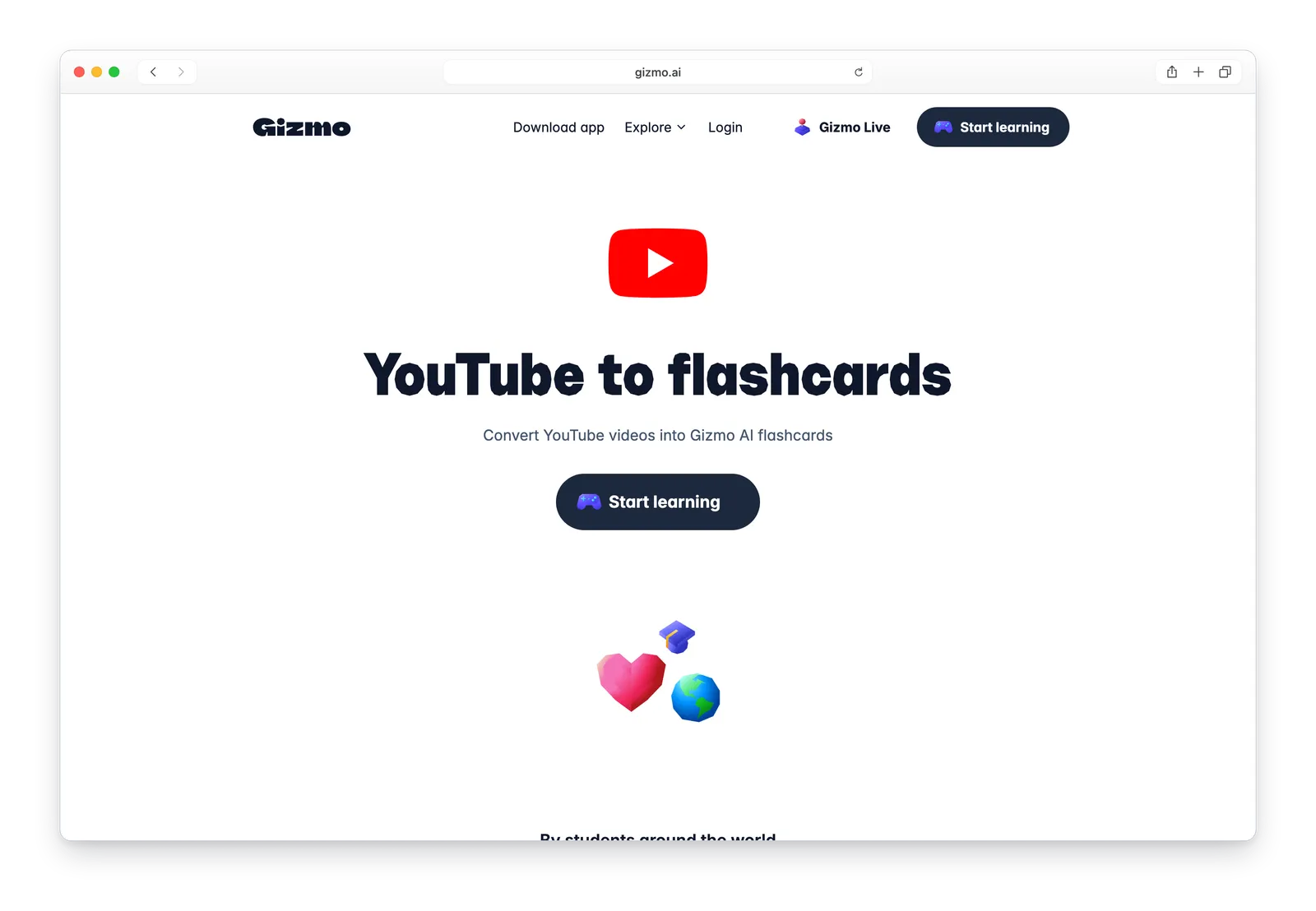
Gizmo's YouTube page says it converts YouTube videos into flashcards. The free plan allows two Magic Imports a day with a 20-minute wait between them, and its Memorise mode uses spaced repetition.
Gizmo's page for this exact job.
The catch: free quizzing runs on Hearts. Lose 15 and you wait 10 minutes before you can quiz again. The export its help center describes is Print, then Save as PDF. Gizmo has a paid plan, Gizmo Unlimited; its help center does not give the price.
3. Knowt: best if you came from Quizlet
Best for: students who want a Quizlet-style Learn mode after the cards are made.
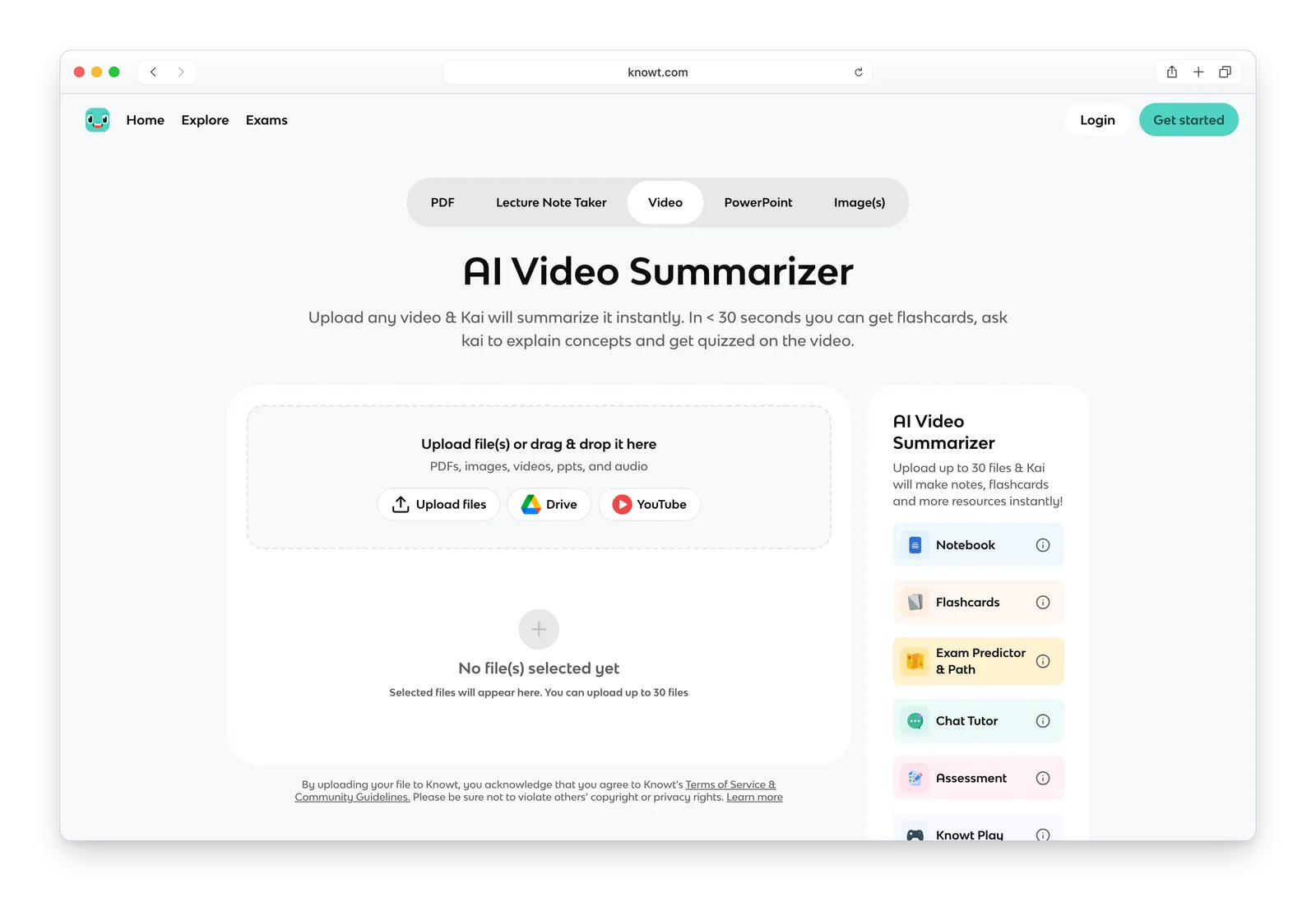
In Knowt's AI Video Summarizer you pick the YouTube option, paste the link, and choose Notes or Flashcards as the output. Learn mode and a spaced repetition mode are both listed in the free plan.
Knowt's AI Video Summarizer, with YouTube as an input and Flashcards among the outputs.
The catch: Knowt's help center gives the free student plan one AI summary a month, across PDFs, images, videos, slides and live recordings. It does not say how a flashcard set made from a video counts against that, so check before you rely on it for a whole course. The paid plan, Ultra, is listed on Knowt's plans page at $7.99 a month billed yearly ($95.99) or $24.99 billed monthly. Flashcards export as PDF.
4. Limbiks: best for getting cards into Anki
Best for: people who already review in Anki and only need the cards written.
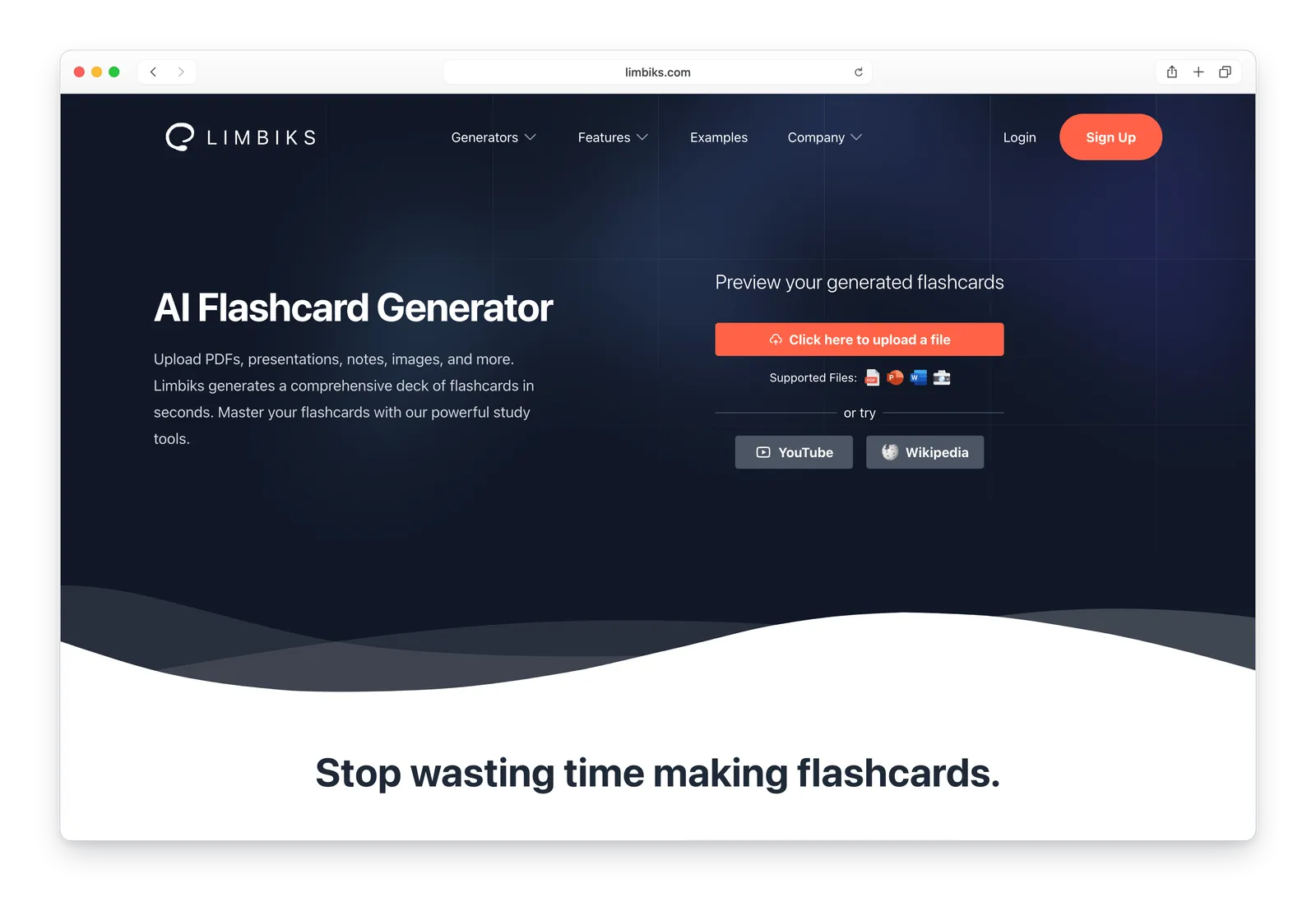
Limbiks takes a YouTube video and makes flashcards from it. Its pricing page lists 10 uploads or generations a month on the free plan and $5 a month for Pro, with spaced repetition and "Sync to Anki" on both.
Limbiks, with YouTube as a source under the file upload.
The catch: ten a month covers a light course load, not a semester of recorded lectures.
5. StudyFetch: cards rated Again, Hard, Good, Easy
Best for: learners who like to rate each card and let the ratings set the schedule.
StudyFetch lists YouTube videos among the things you can upload and names "YouTube Video to Flashcards" as a use case. Its spaced repetition schedules cards from Again, Hard, Good or Easy ratings.
StudyFetch's flashcard page, which lists video content among its sources.
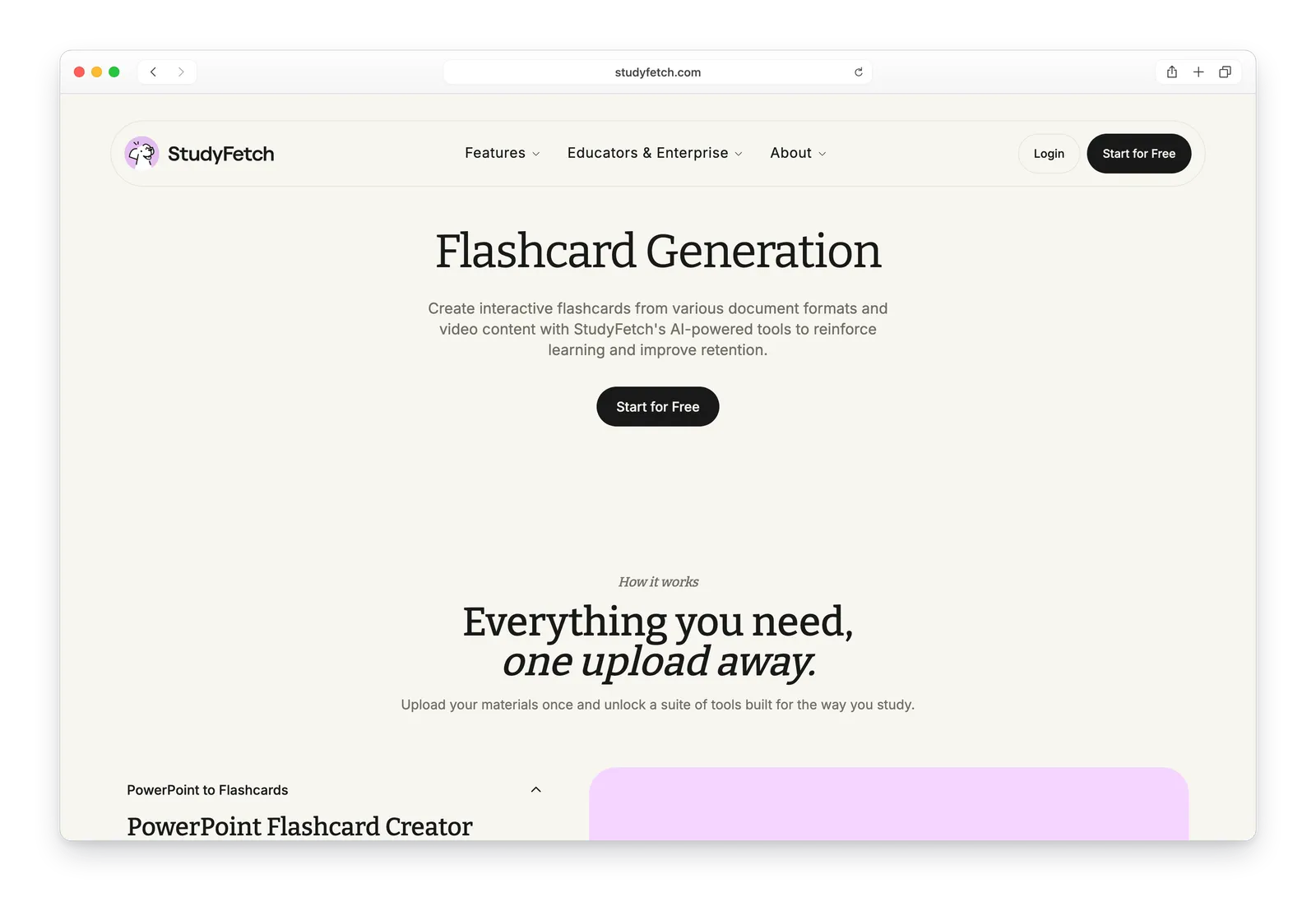
The catch: we could not verify its price or its free allowance. The pricing pages did not load for us on November 24, 2026, so check both before you commit a semester of lectures to it.
6. Scholarly: best when the deck should stay with the lecture
Disclosure: this one is ours.
Best for: a lecture you will come back to, where you want the video, its transcript and the cards in one place.
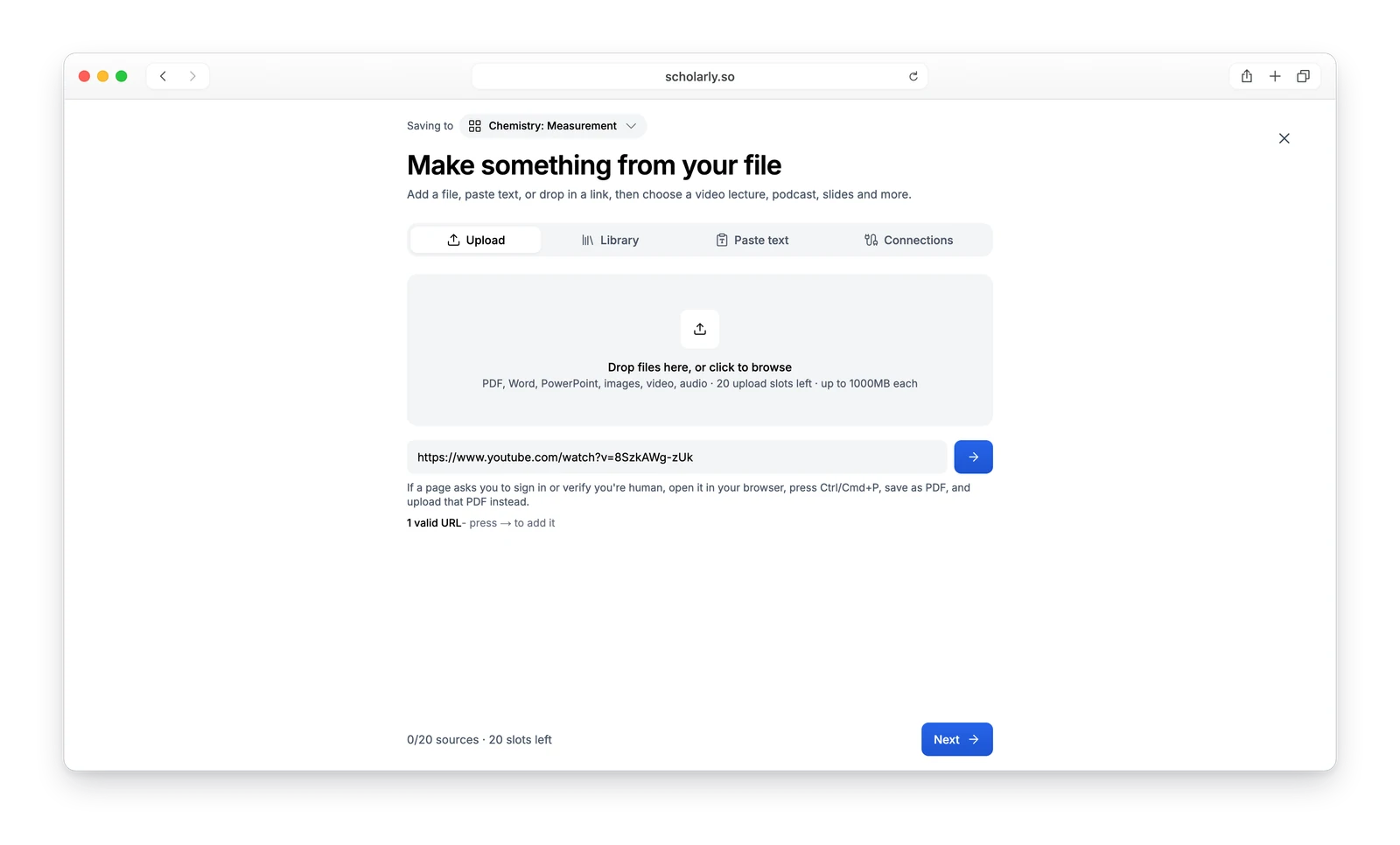
Paste a YouTube link into Scholarly and it reads the transcript, saves the video as a source in your library, and builds an editable deck from it. The video's own page has chapters, a transcript where clicking a line jumps to that moment, and a chat that answers from what was said. On a paid plan the same source can also become a quiz, a summary, a podcast or a narrated video lecture, and you can add the professor's slides as a second source and generate from both.
The link field in Scholarly's upload dialog. This account is on a paid plan, which is why it shows 20 upload slots; Free has one.
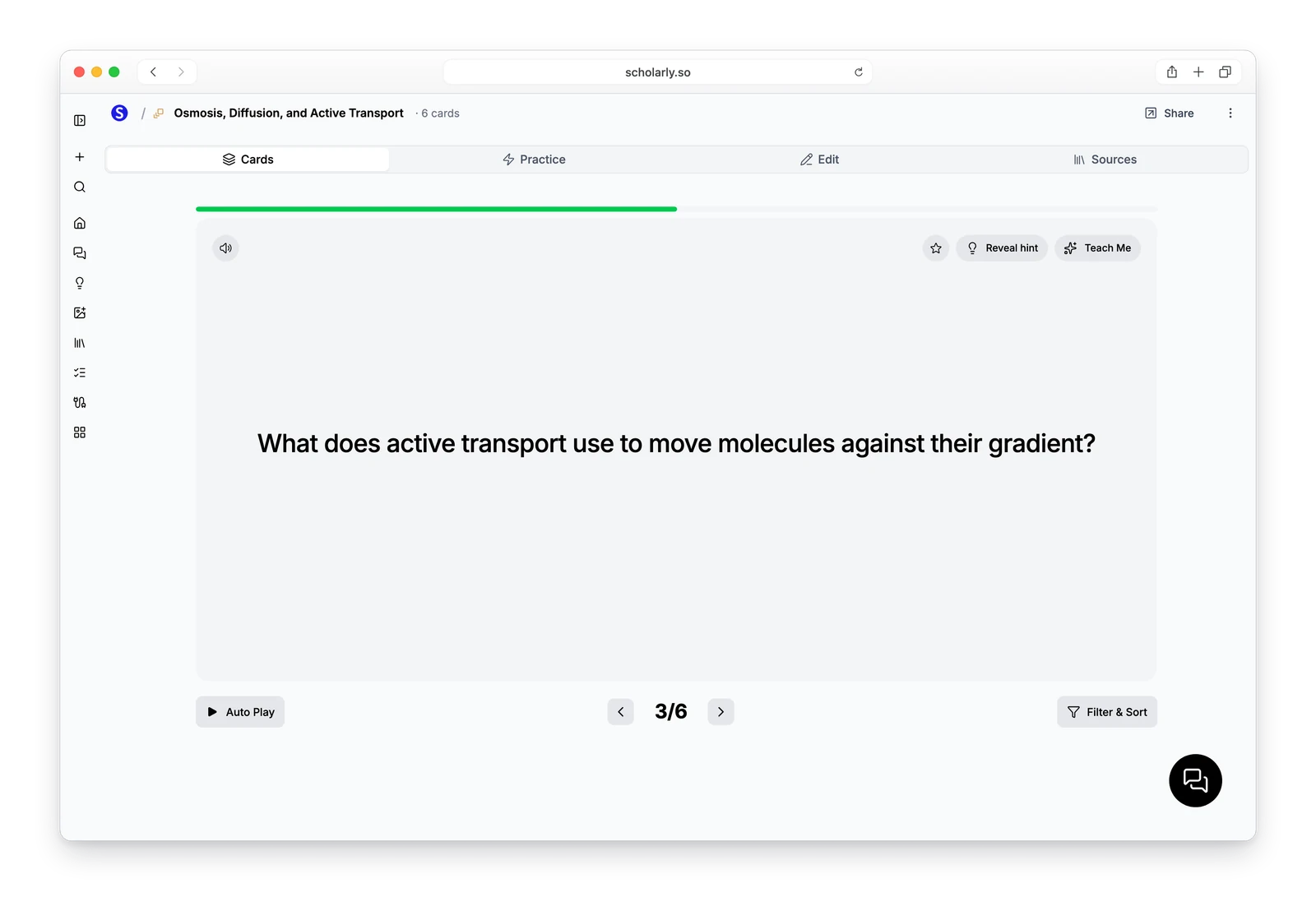
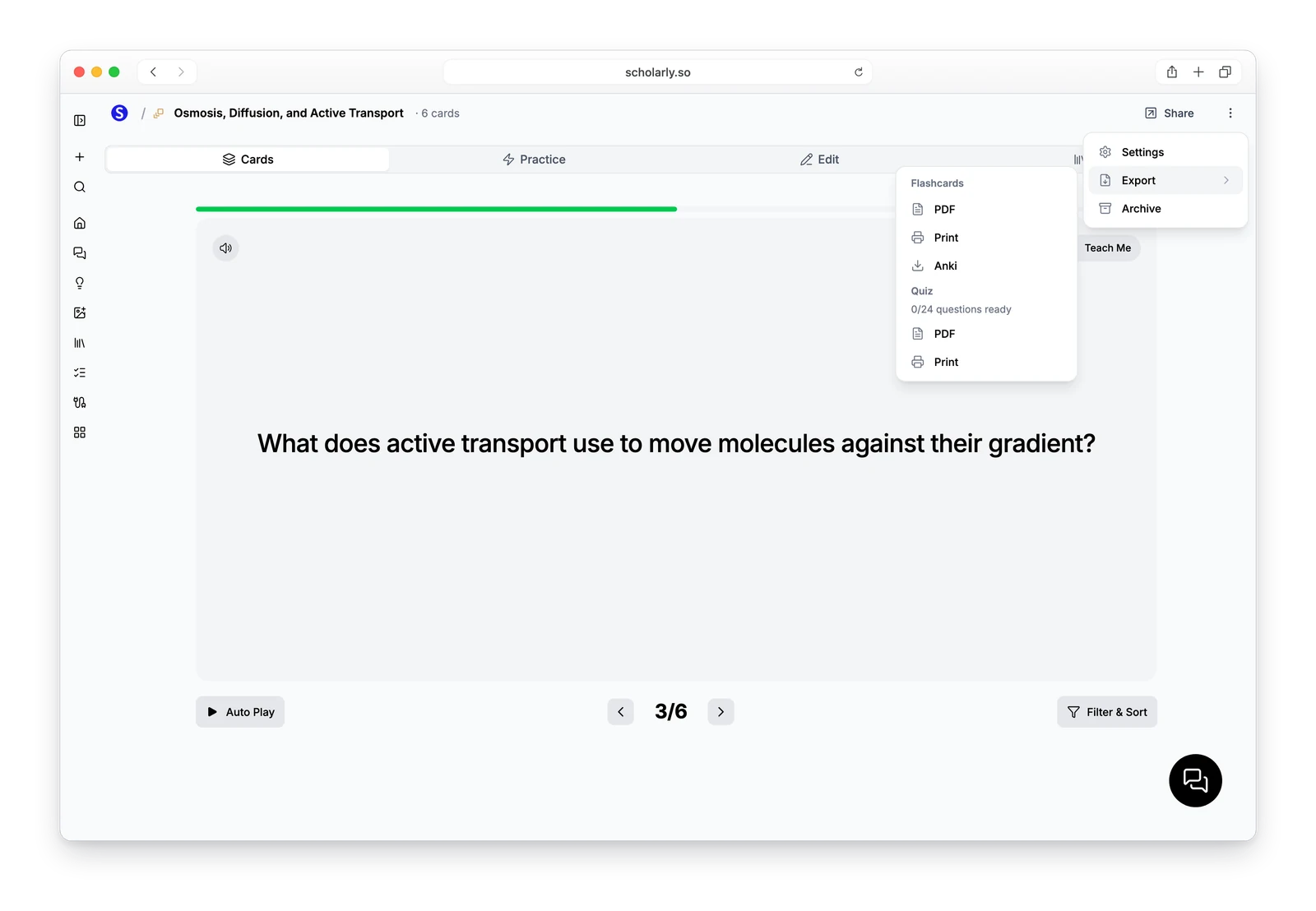
An example deck, from a biology lecture. Cards, Practice and Edit are tabs on the deck.
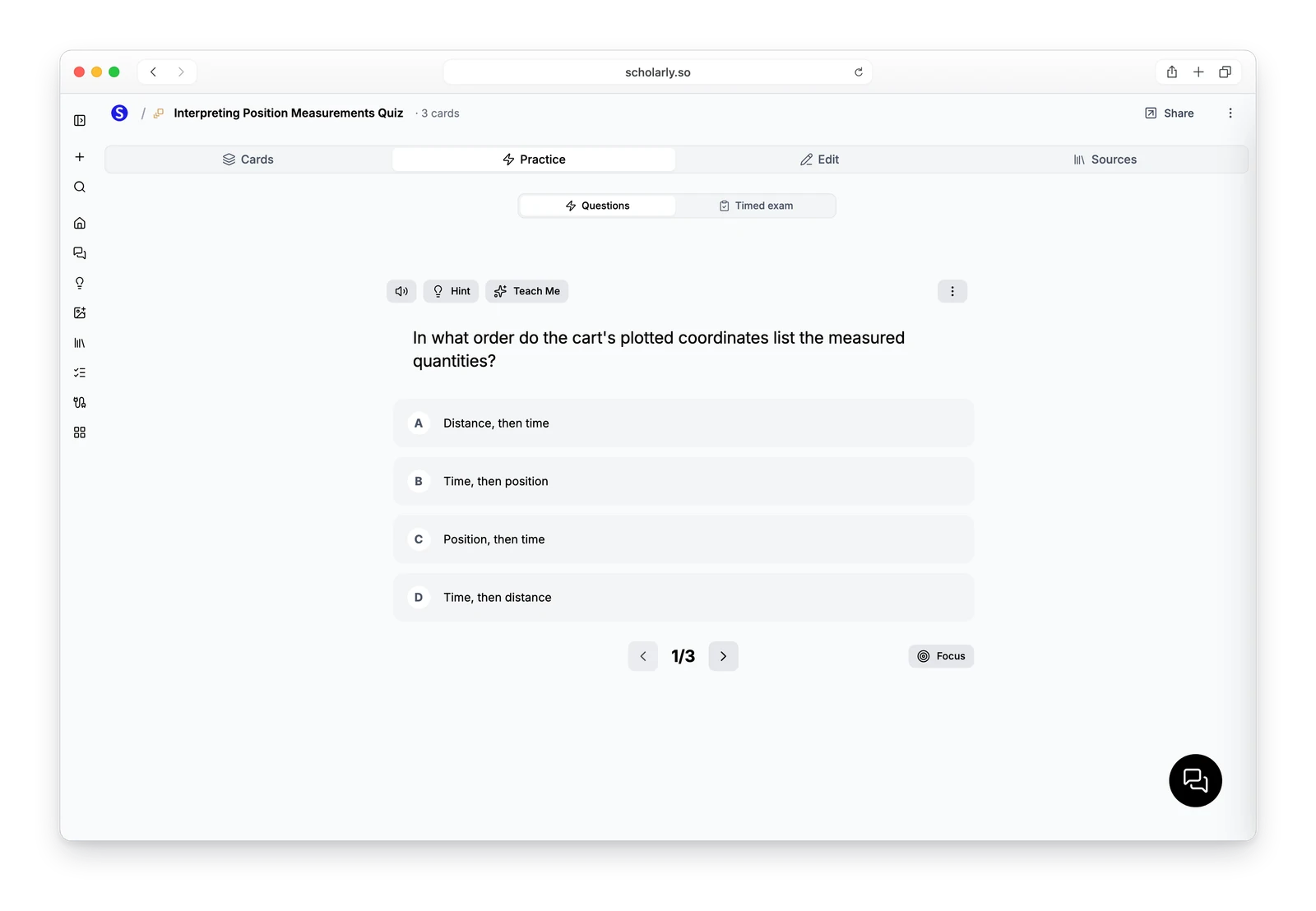
Practice on a different deck: a multiple-choice question, with a Timed exam tab beside Questions.
The catch, plainly: the free plan is one upload and one AI Creation Credit in total, shared across every tool. That normally covers one generated deck from one video; a video lecture or a podcast from the same source would need another credit. Flipping through the cards stays unlimited, while practice allows 5 answers and the timed exam 1 completed attempt, and those do not reset. Decks you write or import yourself do not use the credit. Premium is $30 a month. Scholarly works from the transcript, so a video with no captions at all has to be uploaded as an audio or video file instead. If your budget is zero and you have ten lectures to get through, Gemini Notebook or Gizmo is the better fit.
The export menu on the example deck. PDF and Anki export need a paid plan.
Anki does not take a link
Anki's manual lists text files, packaged Anki decks and Mnemosyne files as imports. There is no YouTube import and no built-in AI. The route is to make the cards elsewhere and bring them in: a CSV from Gemini Notebook, a sync from Limbiks, or an Anki file from Scholarly.
What we could not verify
- Quizlet. Its pages did not load for us on November 24, 2026, so this post says nothing about whether Quizlet accepts a YouTube link. If you study in Quizlet, check its AI tools yourself.
- Turbolearn, NoteGPT and Mindgrasp. Each says on its own site that it accepts a YouTube link. Their pages gave too little, or conflicting, detail on limits and price for us to compare them fairly here.
Which videos make good flashcards
Gemini Notebook and Scholarly both say they work from the video's transcript, so this advice is for those two. Other tools may read a video differently; check their pages.
- Look for captions. Open the video's transcript on YouTube. No transcript means a transcript-based tool has nothing to build from.
- Pick talk-heavy videos. Lectures, explainers and recorded talks give a transcript the most to work with. A lab demo with little narration gives it very little.
- One topic per deck. A three-hour review stream produces a deck nobody finishes. Use the part that matches this week's material, or make one deck per video in a playlist.
- Wait a few days on new uploads. Gemini Notebook says videos under 72 hours old may not import.
A routine for one lecture video
- Before you generate: write down the three things you expect the lecture to cover.
- When the deck arrives (about 5 minutes): read every card. Delete duplicates, split any card with two facts on it, and fix wording that does not match your course.
- First pass (about 7 minutes): go through the deck once, answering out loud before you flip.
- Back to the video (about 5 minutes): rewatch only the parts behind the cards you missed. Find the term in the transcript and jump to that moment.
Then review the deck again tomorrow and three days after that, or let a spaced repetition app choose the days. For the review itself, see how to study with flashcards.
Common questions
Is there a free flashcard generator from a YouTube video?
Yes. Gemini Notebook is free with a Google account. Gizmo's free plan allows two Magic Imports a day, Limbiks lists 10 uploads or generations a month, and Knowt lists one AI summary a month. Scholarly's free plan has one AI Creation Credit in total, which normally covers one generated deck.
Does the YouTube video need captions?
For Gemini Notebook, yes: Google says only public videos with captions are supported, and auto-generated captions count. Scholarly reads the transcript too. If a transcript is still being generated, Scholarly adds the video and finishes when it is ready; if the video has no captions at all, upload the audio or video file instead.
Can I turn a YouTube video into Anki cards?
Not inside Anki. Make the cards in another tool and move them: Limbiks syncs to Anki, Gemini Notebook downloads a CSV that Anki imports, and Scholarly exports an Anki file on a paid plan.
How many cards should one video produce?
As a target, 20 to 40 cards for a 45-minute lecture: one per idea the exam could ask about. If a tool hands you 150, cut before you study.
How we checked
We read each vendor's product, help and pricing pages on November 24, 2026 and recorded only what those pages say. Quizlet's pages and StudyFetch's pricing pages did not load, and this post says so where it matters. Knowt's plans page and one of its help articles give different yearly prices; we used the plans page. Prices are in US dollars as shown. If a number here is out of date, the vendor's page wins.


