10 Free Anki Alternatives
Which free Anki alternative fits your job? Ten flashcard apps with real free tiers, every one re-checked in September 2026, from AI cards to open source.
The short answer, by job:
- Your material is already a file (PDF, slides, recording, video): Scholarly. It generates the cards from that source and schedules them with SM-2.
- You have years of Quizlet sets: Knowt. Its Chrome extension imports them, and Learn mode stays free.
- You are prepping for a professional certification: Brainscape, for the confidence rating and the expert-built decks.
- Your notes are your system: RemNote, so notes and cards are the same document.
- You want Anki's control with a cleaner interface: Mochi. Markdown cards, Anki import, free forever on one device.
- Languages only: Memrise.
- Open source, no company behind it: Mnemosyne.
- One pre-made set for tomorrow's quiz: Quizlet, Cram, or Vaia.
Every tool below was re-checked on September 3, 2026: the site is up, the free tier still exists, and the description matches what the vendor currently says. Prices are not quoted because they change; each entry links to the vendor's own plans page instead.
Anki is free, powerful, and genuinely hard to start with. If you want spaced repetition without deck options, template syntax, and three YouTube tutorials before your first card, these ten alternatives all have a real free tier you can use today.
The full list:
- Scholarly for turning a PDF, lecture, or video you already have into cards.
- Knowt for the free Quizlet-style experience, including a Quizlet importer.
- Brainscape for confidence-based review and certified decks.
- Cram for a simple, free deck library.
- Quizlet for the biggest catalog of pre-made sets, plus Quizlet Live for groups.
- RemNote when your cards should live inside your notes.
- Vaia for a free all-in-one study app with community sets.
- Memrise for languages specifically.
- Mnemosyne for open-source, no-frills spaced repetition.
- Mochi for Markdown cards and a painless Anki import.
One warning before the list: several apps with "Anki" in the name are not Anki. Skip to the section on knockoffs if you are about to download one.
If Anki is the tool you are replacing rather than abandoning, Scholarly's Anki alternative guide covers the tradeoffs in more depth, and PDF to Anki cards exports into the .apkg format so you can keep Anki's scheduler and skip the typing.
What changed in September 2026
Only verified changes are listed here. Everything else on this page was confirmed unchanged on September 3, 2026.
- Anki itself moved to 26.08. Anki 26.08 shipped on August 1, 2026 and 26.08.1 followed on August 5, per the official releases page. The headline items are an updated FSRS engine, a new experimental editor you can switch on under Preferences > Experiments, and a raised minimum of macOS 13. A 26.09 beta (26.09b1) appeared on August 25; the stable 26.09 is not yet published as of this update, so if you stay on Anki, 26.08.1 is the current release. That beta also removes the legacy
anki.importingandanki.exportingmodules, which can affect add-ons such as AnkiConnect once it ships. - Mochi joins the list at #10. The previous version of this post listed Quizlet Live as a separate entry. Quizlet Live is a feature of Quizlet, not an alternative to Anki, so it now lives inside the Quizlet entry and its slot goes to Mochi, a Markdown-first spaced repetition app with a no-signup free tier and a documented Anki importer. Its site currently lists version 26.8.2.
- Knowt's plans page now shows two tiers. Knowt's plans page lists Basic (free) and Ultra. The free tier still covers notes, flashcards, and the study modes; Ultra is where unlimited AI summaries and unlimited Kai chats sit.
- RemNote's free tier is intact. Unlimited notes, flashcards, and synced devices are still free, with a capped number of annotated PDFs and image-occlusion cards and a monthly AI-credit allowance, per RemNote's pricing page.
- Scholarly's free plan is unchanged: one lifetime AI creation and one upload (8 MB, PDFs up to 32 pages).
- Nothing on the list died. All ten sites are live and all ten free tiers still exist. The two retired names in the no-longer-worth-searching section are still retired.
#1. Scholarly - Cards from the material you already have
What it does well:
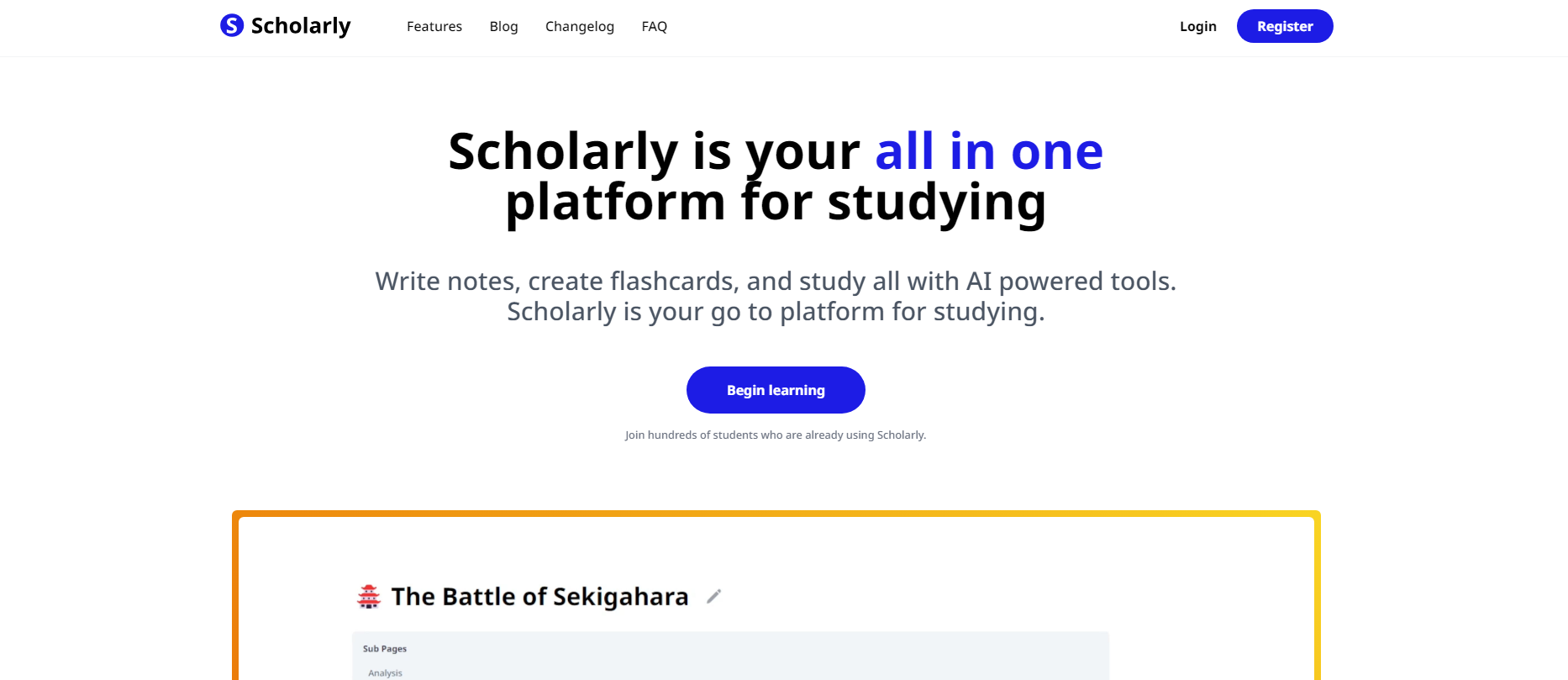
- Generates cards from your actual source. Upload a lecture PDF, a textbook chapter, notes, slides, or a video, and the cards come from that document rather than from a generic topic prompt.
- Keeps everything in one workspace. The same upload also becomes quizzes, notes, and a cited AI chat, so you are not moving files between five apps. It can also become a listenable episode through the AI podcast generator for the days you cannot sit with a deck.
- Fast first deck. From a PDF to something reviewable takes about a minute, and every card stays editable.
- Spaced repetition on every plan. Per-card scheduling uses the SM-2 algorithm, with no ads.
The reality check:
- The free plan is capped at 1 lifetime AI creation and 1 lifetime file upload, with an 8 MB file limit, and PDF-to-flashcards reads the first 32 pages. Premium ($30/month or $144/year) allows 10 creations a week; Laureate ($99/month) allows 80.
- The public set library is small. Scholarly assumes you bring your own material, so it is the wrong pick if you want someone else's pre-made deck.
- Exporting a deck to .apkg or PDF requires a paid plan.
- No native mobile app; it runs in the browser.
Best for: anyone whose material starts as a file. Professionals prepping for a certification, researchers turning papers into review, students with a 40-page chapter. Start with PDF to flashcards if that describes you, or the general AI flashcard maker if your material is notes, slides, images, or a video instead.
#2. Knowt - The closest thing to old free Quizlet
What it does well:
- A free tier that still includes the study modes Quizlet now limits, including unlimited rounds of Learn mode and practice tests.
- A Chrome extension that copies an existing Quizlet set into Knowt with one click, which makes switching close to costless. Knowt's help center notes that sets over 100 terms need the "See more" button expanded on Quizlet first.
- AI flashcard generation from PDFs, lecture videos, PowerPoints, and handwritten notes.
- A familiar interface if you are coming from Quizlet, plus a mobile app.
The reality check:
- AI generation is limited on the free tier, and card quality varies enough that you should read through a generated set before trusting it. Unlimited AI summaries and unlimited chats with the Kai assistant are Ultra features.
- Published prices for Ultra differ across review sites. Check Knowt's own plans page rather than a comparison article.
Best for: students with years of Quizlet sets who want the free study modes back without retyping anything. If you are weighing it against Scholarly, the Knowt comparison is the head-to-head.
#3. Brainscape - Confidence-based repetition
What it does well:
- After each card you rate your confidence from 1 to 5, and that rating drives when the card comes back. It is intuitive and it keeps you honest.
- The free tier lets you make or import unlimited flashcards and study them with spaced repetition, with progress tracking and study reminders. That is more generous than most.
- You can upload PowerPoint, PDF, Word, Excel, and video files and have AI generate a set from them; free accounts get a trial allowance.
- Certified expert-built decks for professional exams and standard curricula.
The reality check:
- Unlimited certified decks, images and sounds on cards, reverse-card study, private content, and unlimited AI generation all sit behind Pro, a paid subscription. See Brainscape's pricing page for current terms.
- Free AI generation is a fixed allowance, not an ongoing workflow.
Best for: professionals studying for a certification where a vetted deck beats building your own, and anyone who finds Anki's four-button rating harder to judge than a 1-to-5 confidence scale.
#4. Cram - Simple and free
What it does well:
- Free to create, study, and share flashcards, with a large public library of student-made sets.
- Spaced Repetition, Learn, and Test modes, plus small conveniences like shuffle, alphabetize, and text-to-speech.
- An official mobile app for iOS and Android, and an API that third-party flashcard apps build on.
The reality check:
- The interface is dated next to the newer apps here, and the free experience carries ads.
- Community deck quality varies. Read a set before you rely on it.
Best for: students who want something free and simple, and do not mind ads.
#5. Quizlet - The biggest library, a narrower free tier
What it does well:
- The largest public set library there is. For a common course or a standardized test, a usable set almost certainly exists.
- Polished apps and familiar modes: Flashcards, Learn, Match, Test.
- Classmates and teachers already use it, so sharing inside a class takes no setup.
- Quizlet Live turns any set into a classroom game. It is free for every teacher account; individuals mode needs two or more players and a set with at least six terms, and games start from the website rather than the app.
The reality check:
- Learn mode, the feature that made Quizlet famous, is now a Quizlet Plus feature. Non-subscribers get a limited number of free rounds per set, per Quizlet's help center.
- Ads throughout the free experience.
- Studying a stranger's set means studying what their class covered, not yours.
- Quizlet Live is useless if you study alone, and it needs an existing Quizlet set, so treat it as a companion to your setup rather than a replacement for it.
Best for: grabbing one pre-made set for tomorrow's quiz, or running a group review. If your real question is Quizlet or Anki, our Quizlet vs Anki comparison breaks that choice down head-to-head.
#6. RemNote - Cards that live inside your notes
What it does well:
- Write a line of notes, mark it as a card, and it enters your review queue. Note-taking and card-making become one action.
- The free tier covers unlimited notes and flashcards across unlimited synced devices, which is unusually generous.
- Spaced repetition, image occlusion, PDF annotation, and AI-generated flashcards and quizzes in one tool.
The reality check:
- It is a knowledge-base tool first, so there is a real learning curve, and large knowledge bases can feel slow.
- The free tier gives only small allowances of the premium extras: a few annotated PDFs, a handful of image-occlusion cards, and a monthly pool of AI credits. Pro lifts those, and a separate Pro with AI tier carries the large AI allowance; see RemNote's pricing page for current terms.
Best for: heavy note-takers, especially med students, who want their notes and their review queue to be the same document. The RemNote comparison covers where it and Scholarly diverge.
#7. Vaia (formerly StudySmarter) - Free all-in-one study app
What it does well:
- Free access to community study sets, notes, flashcards, and mock exams across a wide range of school and university subjects.
- Spaced repetition is one of the built-in study modes, and you can create your own sets rather than only consuming others'. AI explanations are built in.
- Works on web, iOS, and Android, with sync between them.
The reality check:
- Coverage is deepest for common curricula. Niche or graduate-level topics thin out quickly.
- Vaia describes its app as free while also offering premium study tools, so expect upsells around some content.
- The rename from StudySmarter means older reviews and guides use the previous name, which makes searching for current information mildly confusing.
Best for: school and undergraduate students who want one free app for notes and cards together. Scholarly's Vaia comparison covers the professional-use case it does not.
#8. Memrise - Languages specifically
What it does well:
- Free to start, across a very wide range of languages, from the major ones down to endangered and constructed languages.
- Teaches through short clips of native speakers rather than textbook sentences, which is the part Anki decks usually lack.
- Review scheduling is built in, so vocabulary comes back before you lose it. AI speaking practice was added on top.
The reality check:
- Languages only. It is not a general-purpose flashcard tool, so it will not help with anatomy or contract law.
- Memrise Pro unlocks all official courses and removes ads; the free tier nudges you toward it. Plans are listed on Memrise's own plans page.
Best for: language learners who want vocabulary review without building a deck by hand.
#9. Mnemosyne - Open source, no frills
What it does well:
- Free and open source, with a research-driven scheduling algorithm and no subscription anywhere. The project doubles as a long-term memory research effort you can opt into by sharing anonymous statistics.
- Cross-platform: Windows and macOS installers,
pip install mnemosyne-projon Linux, and an Android client that syncs with the desktop. You can also switch on a built-in web server and review from any browser. - Your data stays yours, in an open format, with detailed statistics.
The reality check:
- The interface is spare and the project moves slowly. The last full release, 2.11, dates from November 2023 per the project's GitHub releases; smaller maintenance builds (most recently 2.11.1, March 2026) have shipped on PyPI since.
- There is effectively no shared-deck community, so you are typing your own cards.
Best for: people who like Anki's philosophy but want something leaner, and anyone who wants an open-source tool with no commercial layer at all.
#10. Mochi - Markdown cards, Anki import
What it does well:
- Cards are written in Markdown, so formatting is plain text rather than Anki's HTML templates. Notes can be turned into cards in the same app.
- The free tier is free forever, needs no signup, and allows unlimited cards and decks with unlimited offline use; import and export are included.
- A documented Anki importer converts .apkg decks, translating Anki's HTML into Markdown on the way in.
- Runs on macOS, Windows, Linux, iOS, Android, and the web.
The reality check:
- Free means local-only. Syncing across devices, publishing decks, and the larger AI allowances are Pro features; see Mochi's pricing page for the current limits.
- Anki custom CSS does not survive the import, so heavily styled decks land as plain cards.
Best for: Anki users who want the same control over their cards without the template system, and are happy to study on one device or pay for sync.
A warning about Anki lookalikes
Several subscription apps use Anki's name and are not connected to Anki in any way. Anki's official FAQ names them directly: AnkiApp, since rebranded as AlgoApp, and Anki Pro, since rebranded as Noji. They came years after Anki, they do not sync with Anki, and Anki's maintainers point out that the names were chosen to borrow the brand recognition.
The practical consequences matter if you download one by mistake. Your decks will not open in Anki, AnkiDroid, AnkiMobile, or AnkiWeb, and you may end up on a subscription while believing you are using free software. The genuine Anki apps are Anki on desktop, AnkiDroid on Android, AnkiMobile on iOS, and AnkiWeb in a browser, all linked from apps.ankiweb.net.
This is not an argument against paying for a study app. It is an argument for knowing which one you are paying for.
Apps that are no longer worth searching for
Two names still show up in older lists of Anki alternatives and are worth crossing off:
- StudyBlue. Chegg acquired it in July 2018 and, per StudyBlue's own sunset notice, moved its users to Chegg Prep and shut StudyBlue down at the end of 2020. Chegg still hosts flashcards on its site, but the standalone product people remember is gone. Do not build a workflow around it.
- Learn.xyz. It still exists, but its site now leads with school districts, consulting firms, education providers, and distributed companies rather than individual students, and it no longer advertises a free student tier up front. If you found it on an older student-focused list, that recommendation is out of date.
Which one should you actually use?
There is no single winner, so pick by what you are starting from:
Your material already exists as files. Start with Scholarly. Upload the PDF or paste your notes, get cards grounded in that source, and start reviewing. That is the structural difference from every card-only tool here: the upload is a source, not just a deck, so the same file can also become a quiz, a set of notes, or a podcast episode.
You have a pile of Quizlet sets. Knowt imports them and gives the free study modes back.
You want a huge existing library. Quizlet remains the safe pick, with Cram and Vaia as free fallbacks.
Your notes are your system. RemNote, so cards and notes never diverge.
You are prepping for a professional certification. Brainscape, for the certified decks and the confidence rating.
You want maximum control and do not mind the learning curve. Stay on Anki (26.08.1 as of this update), or use Mochi for the same control with Markdown instead of templates, or Mnemosyne for a leaner open-source version. None of the three is beaten on power. They are only beaten on setup time.
Your next step
The best flashcard app is the one you will still open in week six, so do not spend an evening comparing them. Pick one, bring in your most recent source, and review something today.
The real lever is not the app. It is the habit of retrieval practice on material you actually need to understand. If the part you keep avoiding is building the cards, that is the specific problem Scholarly's generation step removes.
Try Scholarly's AI flashcard generation
Free to start. No credit card required.